Skip to content
DataSuite

The data software for your machines and plants

Software for automation, mechanical engineering and the manufacturing industry. With DataSuite you can easily, quickly and professionally:

  • Connect machines and plants to third-party systems via REST API
  • Use SQL databases and Excel files with machines and plants
  • Create PDF, CSV, XLSX and XML files with machine data
  • Send alerts as email, SMS, Threema, Telegram
  • Record energy data and power consumption
  • Compatible with Siemens S7, Beckhoff, WuT and many more
  • No cloud, everything remains in your hands
  • No subscription, full cost control
MB DataSuite short introduction

Well-known companies use DataSuite in their tough day-to-day industrial operations.

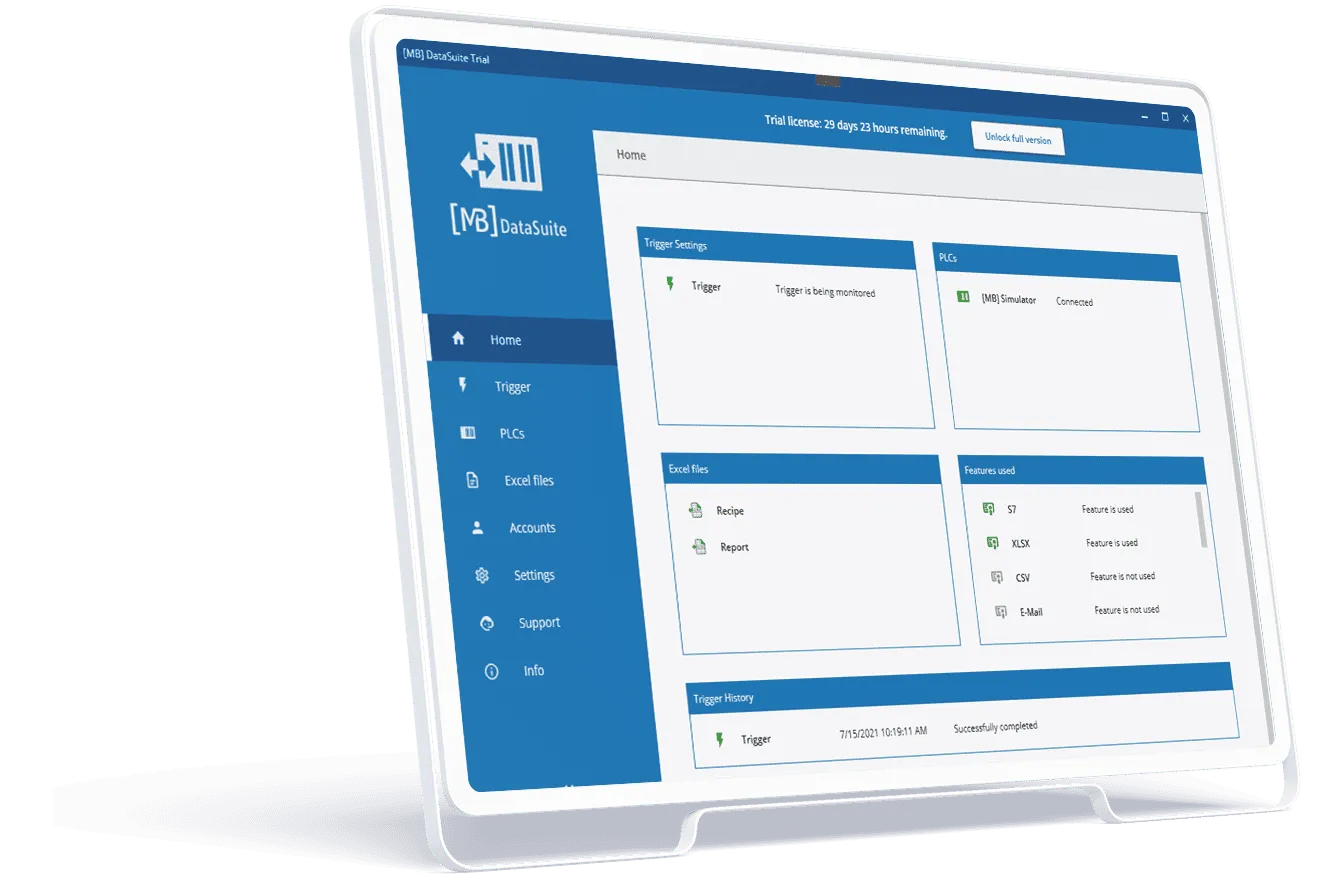
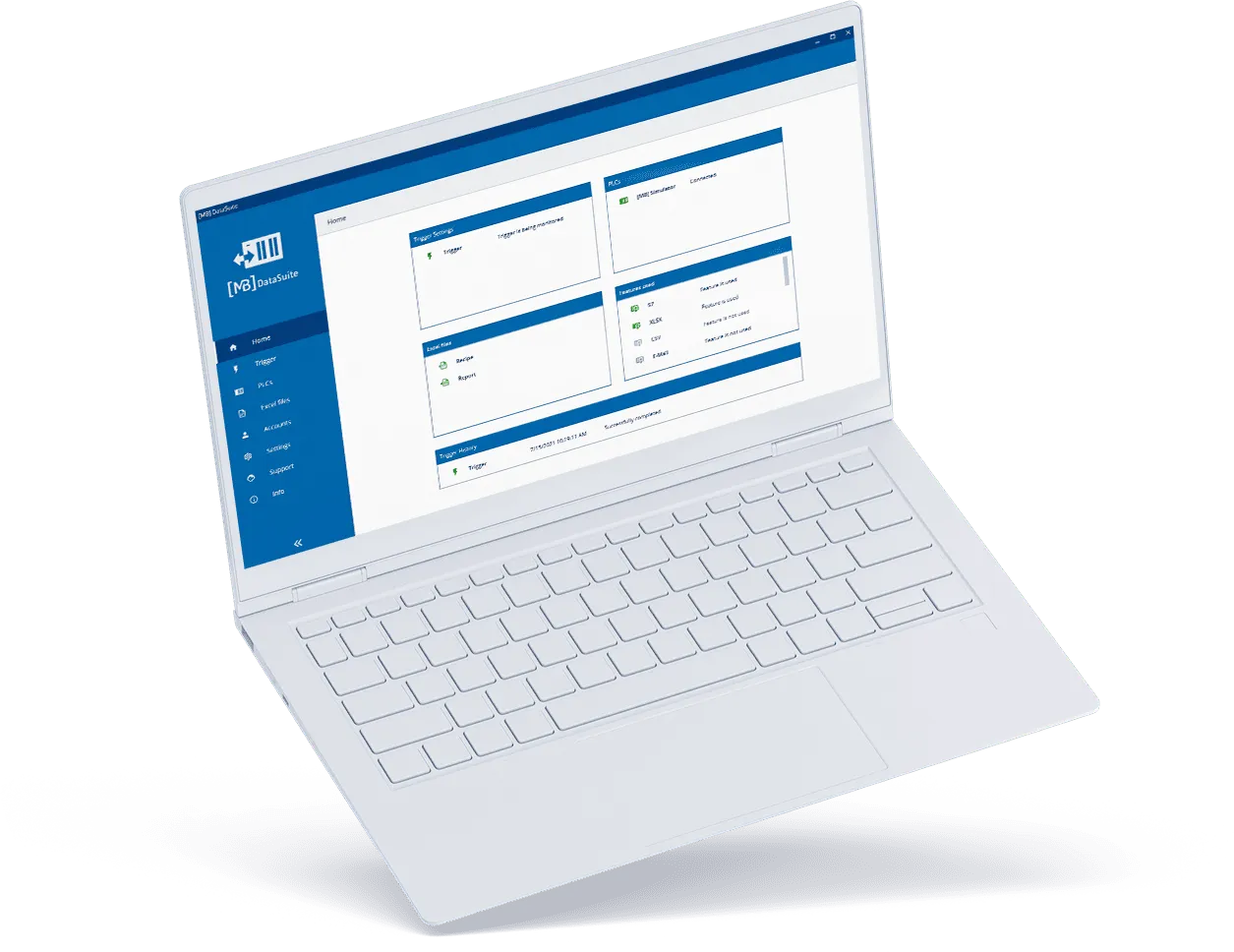
DataSuite 3 home screen: all machine data at a glance
DataSuite

Get the most out of your machines

Add valuable and useful data applications to your machinery and plants:
 
  • Test reports and quality certificates (PDF, Excel)
  • ERP and database connections
  • Recipe management with Excel files
  • Performance and condition monitoring
  • OEE and other KPIs easily in Excel

Professional and economical

With DataSuite, you have a fast and reliable solution that works.

It is better to invest in quality once instead of programming yourself for days and then having software that may not work 100%.

Standardised and individual

DataSuite supports a variety of industry standards, e.g. OPC-UA, PDF, SQL, HTML.

With DataSuite, you can use and apply these standards in your own projects. This makes your applications more secure, reliable and future-proof.

Modern and user-friendly

The modern user interface is easy to use and is optimised for industrial use.

It has never been easier to create modern and secure data applications.

Functions at a glance

All functions of PLCDataSuite version 2, PLCDataReader and DataAlarm software are now included in one piece of software. In addition, further useful functions for your machine data have been developed. Depending on the requirements, different functions are included in the software packages.

Real-life examples of DataSuite from our customers

DataSuite software is used in various industries and for a wide range of applications.

(The videos are in German and the texts have been translated.)

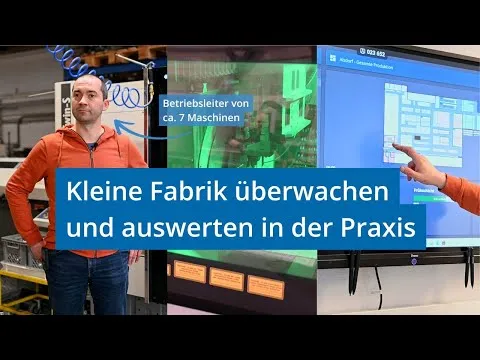
Machine monitoring & production analysis

Nico Reim, Operations Manager at Köhler GmbH

Machine monitoring & production analysis

“I can customise the signals from each machine to suit our processes, and that’s what makes DataSuite so valuable to us.”

Köhler GmbH monitors all of its systems with DataSuite. Unit numbers, running times, downtimes, and energy consumption are recorded in real time and used for analysis and calculations. This includes lathes, pipe lasers, punching machines, bending centres, and welding robots.

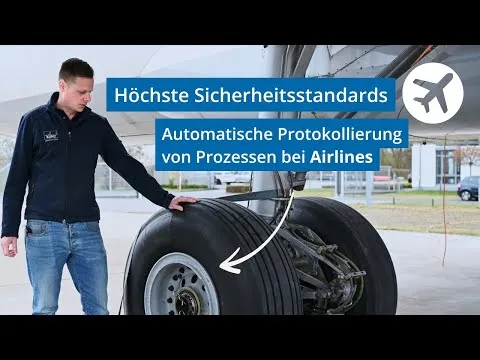
Automated quality reports for aviation

Max Leitzbach, technician at KUNZ GmbH

Automated quality reports for aviation

“DataSuite is highly recommended because it can be easily and flexibly customised for each customer—and that’s exactly what we need in aviation.”

Kunz GmbH uses DataSuite to automatically record all relevant bolting data for aircraft tyre-changing machines. This includes bolt numbers, torques, tightening types, status messages, and timestamps. The results are stored in real time, transferred to Excel and PDF reports, and printed out on request.

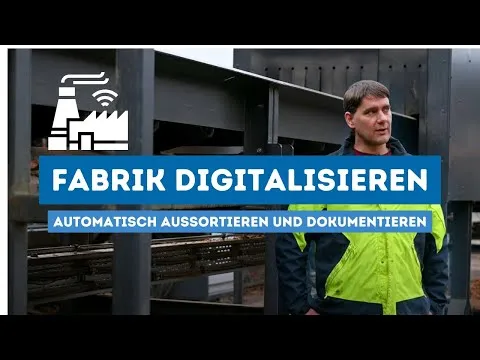
Data collection & alarm in case of shutdown

Automation technician at Westerwälder Holzwerke

Data collection & alarm in case of shutdown

“Someone actually thought about what is required in this sector and put it all together in one great piece of software.”

Westerwälder Holzwerke GmbH uses DataSuite to monitor production processes and quickly resolve downtime issues. In the event of errors, the plant operator can alert the on-call service team, and DataSuite automatically sends messages to electricians or mechanics. In addition, measurement values from the 3D line profile sensor are recorded and analysed in Excel.

DataSuite can do a lot: we'll show you everything.

A member of our team will be happy to show you all the functions and options in a live online session. You can ask questions or just watch.

“The software does exactly what it is supposed to do; setup was very easy and safe to use after a little practice.”

Uwe K.
Deputy plant management – MAV Krefeld GmbH

Our guarantees

  • Free updates

We keep at it and regularly provide free updates for download. We are also happy to incorporate your wishes and suggestions into our development.

  • Industrial-grade software

DataSuite 2 has already proven itself in tough industrial use. DataSuite 3 takes it to the next level!

  • Maximum independence

You do not need any additional software to use our DataSuite, neither WinCC nor Excel. This saves money and you remain independent.

  • Made in Germany

Our software is completely developed in Rhineland-Palatinate, in the beautiful Westerwald, and used worldwide.

  • No subscription trap

You buy the software once and get all updates included. This means that everything is always cost-transparent.

  • Minimum system requirements

DualCore CPU, 8 GB RAM, Windows Server or Windows 10/11.

  • First-class support

Do you have a question? Do not hesitate to call us or write us an email. Our support will help you the next day at the latest.

  • Fair and respectful

Whether you contact us for technical support or a commercial concern: We are respectful and fair in our dealings with you.

Get started now with DataSuite 3

Download our free trial and try DataSuite for 30 days without obligation.

A success story continues

Markus Bläser

“Our DataSuite 2 software was already a hit and is used by many companies worldwide. Our software developers have worked with heart and soul and ambition on the new DataSuite 3. The experience of the last five years of DataSuite 2 has flowed into this software.”

Markus Bläser, Founder and Managing Director of [MB] Software und Systeme

Well-known companies in Germany and abroad use DataSuite in the tough everyday industrial environment.

3 reasons for the DataSuite

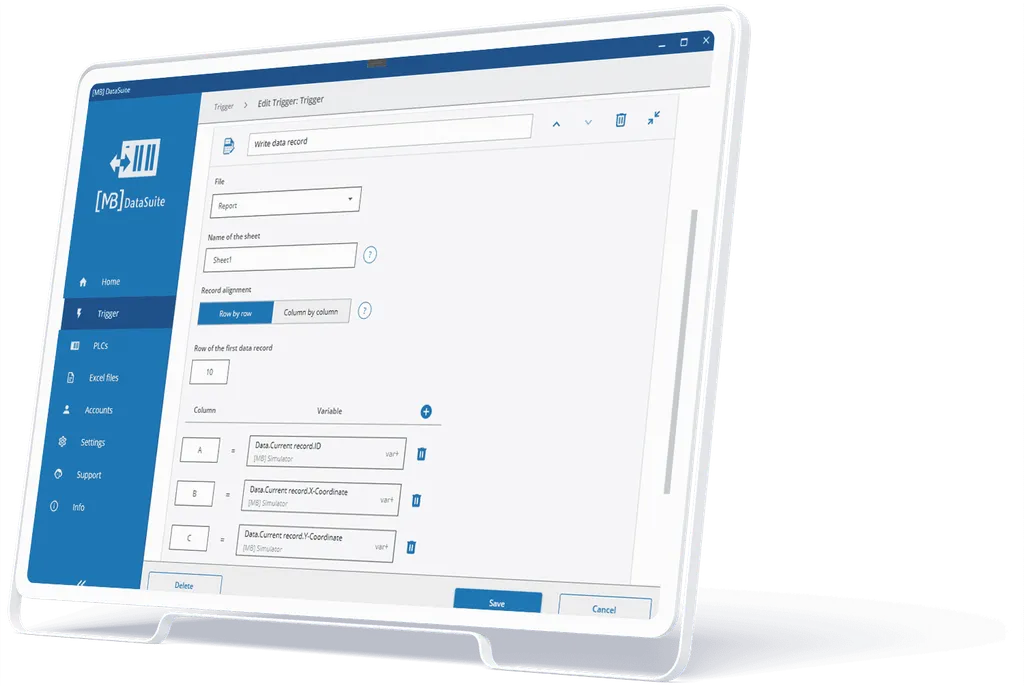
DataSuite 3: configuring an Excel report in the Trigger Editor

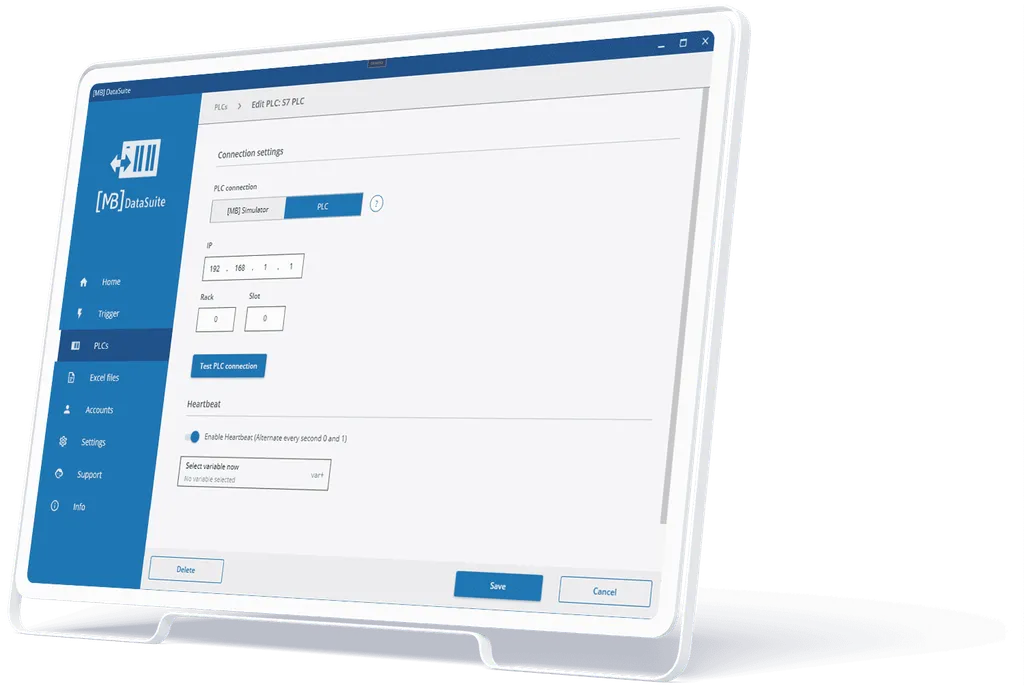
DataSuite 3: PLC connection settings with heartbeat monitoring

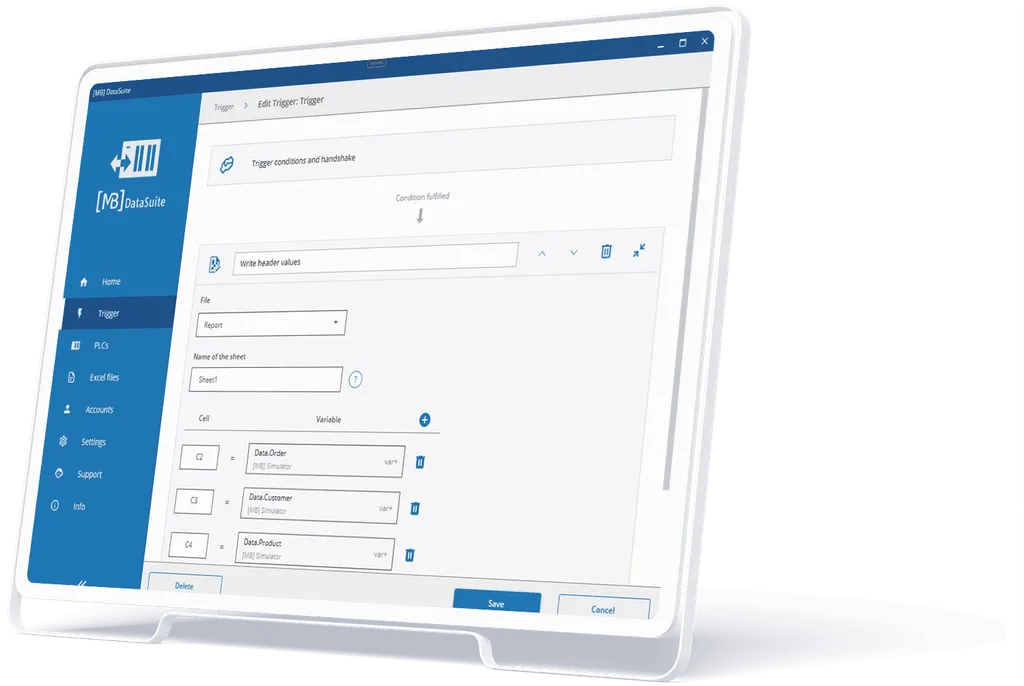
DataSuite 3: graphical Trigger Editor

Get free consulting now

Your questions will be answered in a video call or a telephone conversation with one of our experts. Concrete requirements and projects can be discussed directly.

Appointment booking is done with Microsoft Bookings; Microsoft's privacy policy applies.

Markus Bläser

DataSuite is the software for capturing and processing machine data and plant data.

It can be used in a variety of ways and can replace traditional machine data collection software. It can also be used to connect SQL databases or to create PDF or Excel documents with machine data.

The possibilities of DataSuite are as diverse and individual as your applications.

With the DataSuite software, you can also print out diagrams and test reports in tabular form with your Siemens S7 PLC or save them as a file.

The highlight: You can also load or write data and files from the PC to your machine control (PLC/S7). These can be, for example, Excel files with recipes for your production or order data from your ERP system, e.g. SAP.